
Can You Recharge an IGET One? Check Before You Try
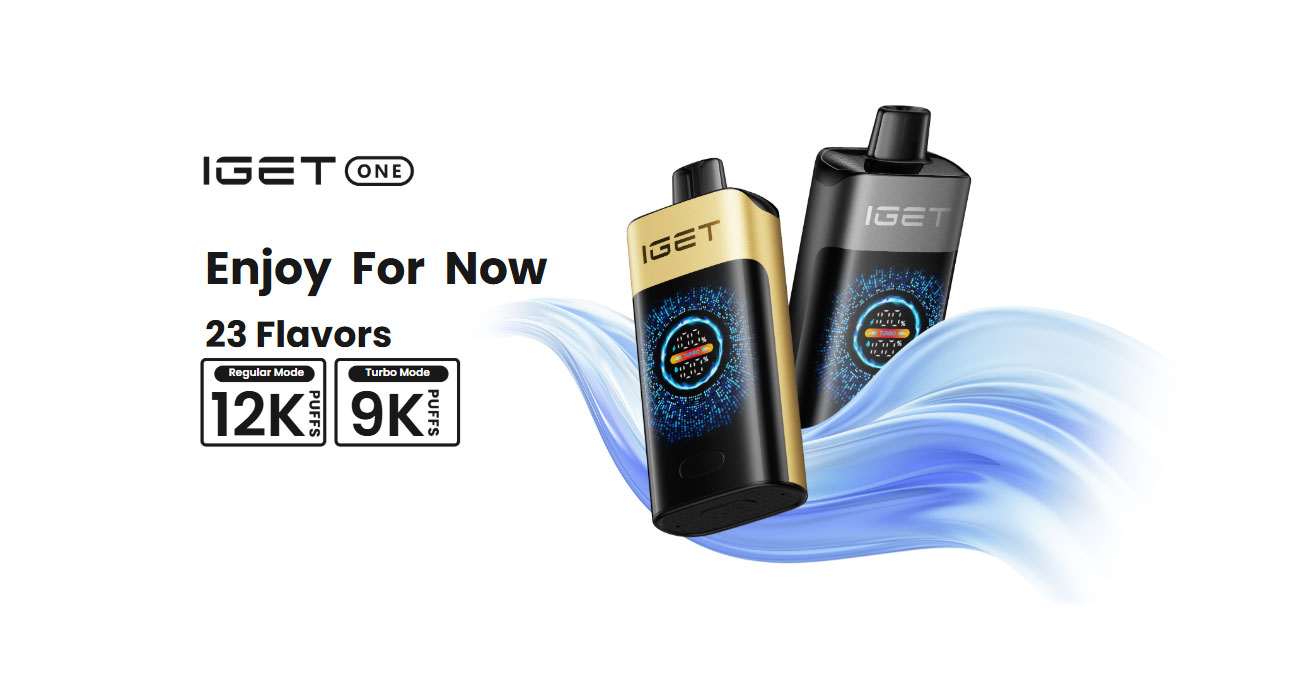
The short answer: do not assume every IGET One can be recharged. IGET’s official product page lists a 2700mAh battery and a colour battery display, but it does not list a USB-C port, charging input or charging time. Check the exact device and its original instructions before connecting power.
Quick Decision: Should You Try To Charge It?
| What you see | What to do |
|---|---|
| A clearly labelled, factory-fitted charging port | Check the box or included instructions for the correct cable and input before connecting power. |
| No charging port anywhere on the original housing | Do not try to recharge it. Do not open or modify the device. |
| A crack, leak, swelling, unusual smell or heat | Do not connect power. Stop handling it and contact the seller for the correct support or disposal path. |
| A factory port is present but the device shows no response | Disconnect it, confirm the cable and source match the supplied instructions, and contact support if the problem continues. |
A battery percentage on a screen tells you the remaining battery level; it does not prove that the device was designed to be recharged.
Why IGET One Charging Advice Is Confusing
Search results often mix different IGET models, different markets and seller-written product descriptions. A charging method that applies to Bar Pro, Bar Plus or another rechargeable product should not automatically be copied to IGET One.
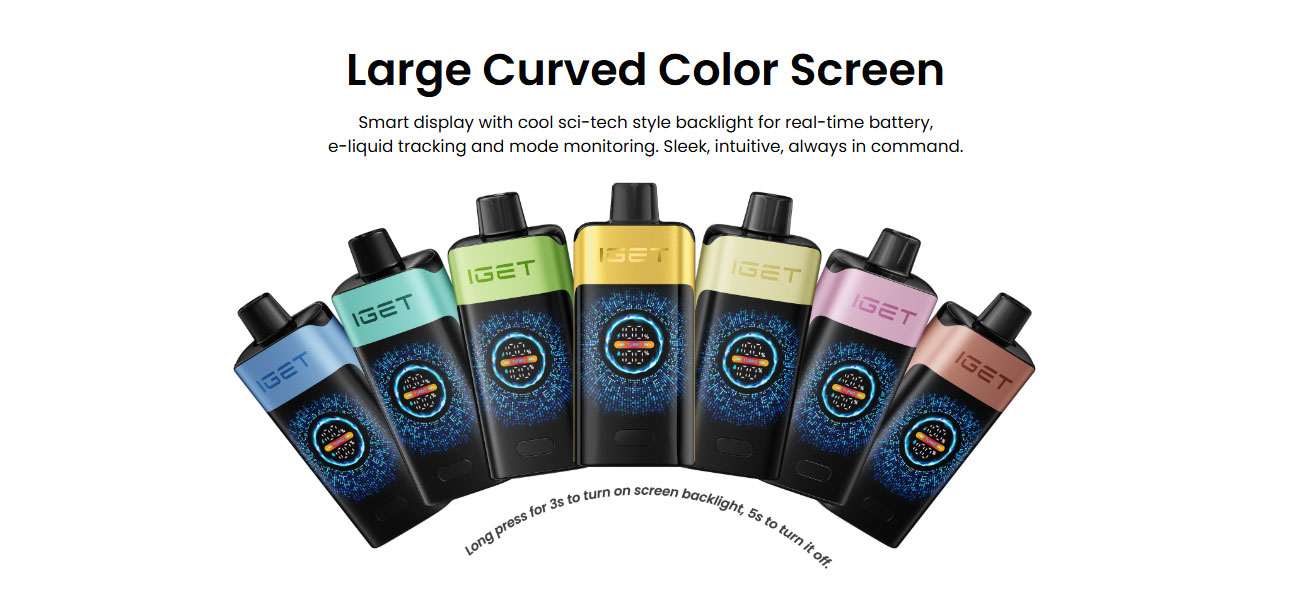
The official IGET One page checked on 14 July 2026 confirms a 2700mAh battery, a colour display for real-time battery, e-liquid and mode monitoring, Regular and Turbo modes, and the device dimensions, weight and coil specification. The same official page does not specify USB-C, charging wattage, charging time or an indicator-light sequence. We therefore will not invent those details or present a retailer’s claim as a universal manufacturer instruction.
See the manufacturer’s current specification on the official IGET One page.
How To Check Your IGET One Before Connecting Power
Confirm the exact model name
Read the model name on the device and packaging. Do not rely only on colour or flavour, because different IGET product families can look similar in photographs. If the packaging names a different product family, use the instructions for that exact model.
Inspect the original housing
Look around the base and sides for a clearly manufactured charging port. A real port should be part of the original housing and accept a connector without force. Small air holes, seams and gaps are not charging ports.
Check the box or included instructions
If a factory port is present, read the supplied instructions for the cable type and power input. We are not publishing a universal wattage because IGET’s current official IGET One page does not provide one. Do not assume that the fastest phone or laptop charger is appropriate.
Use a dry, stable surface
Only connect a device that is dry, intact and at room temperature. Place it on a stable, non-flammable surface where you can observe it. Do not cover it with clothing, bedding or other materials.
Watch for the response described for your device
If your exact device and packaging confirm charging support, watch the display or indicator described in those instructions. Do not invent a full-charge signal from another model or leave the device connected indefinitely.
What The 2700mAh Battery Claim Does — And Does Not — Tell You
IGET markets the IGET One with a 2700mAh battery and describes it as reducing charging stress. That large capacity helps explain why a device can show a long claimed service life without a published charging routine.
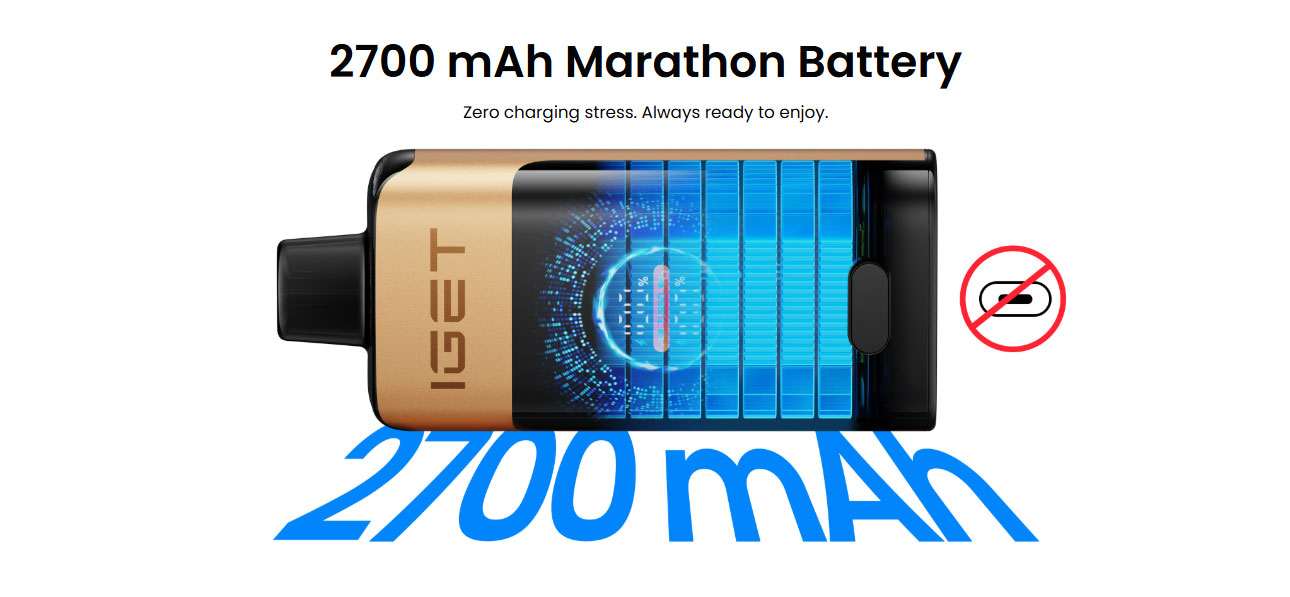
Battery capacity does not tell you whether the battery is user-rechargeable, what connector it uses, what voltage or wattage is permitted, how long a charge should take, or whether a device that has stopped working should be recharged. Those details need to come from the exact model’s factory design and instructions.
If Your IGET One Is Not Charging
First ask whether the device is actually designed to charge. If there is no factory-fitted port, “not charging” is expected and should not be treated as a repair problem.
If your exact device has a documented charging port:
- Disconnect it and inspect the port for visible debris or damage without inserting metal tools.
- Confirm that the cable type matches the supplied instructions.
- Try a known-good cable only if it matches those instructions.
- Use the specified type of power source rather than guessing with a high-powered adapter.
- Stop if the device becomes unusually hot, smells unusual, leaks, swells or makes an unexpected sound.
- Contact the seller with the model name, a photo of the base and the packaging details.
Do not attempt to repair an internal battery yourself. Opening the device creates a different risk from normal product use and is outside a normal support process.
When To Stop Using The Device
Stop and disconnect the device if you notice physical damage, leakage, swelling, unusual heat, an unusual smell or a new sound while connected. Do not keep testing different cables or chargers after the same fault repeats.
If the battery display reaches zero and there is no documented charging port, do not turn the device into a DIY electronics project. Keep it away from children and pets and use the applicable local battery or e-waste disposal route.
Check The Current IGET One Range
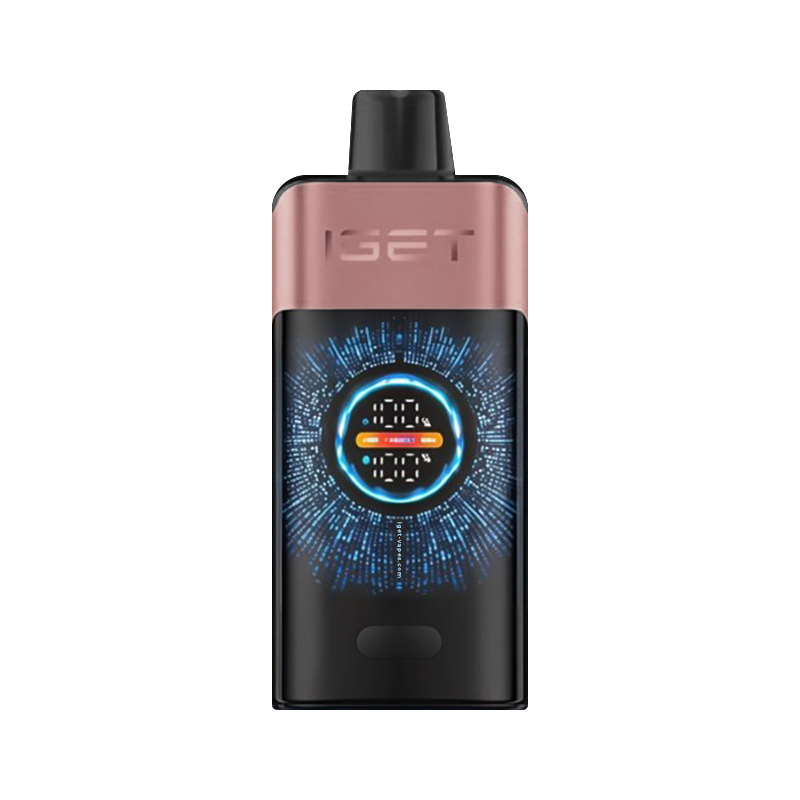
If you are checking a recently purchased device, compare its name and appearance with the current IGET One range. Product availability can change, so the live category and product pages are the current store reference.
FAQ
Does IGET One use USB-C?
IGET’s official IGET One page checked on 14 July 2026 does not specify USB-C or another charging connector. Check the original device and packaging. Do not assume a third-party description applies to every IGET One sold in every market.
How long does an IGET One take to charge?
The current official IGET One page does not publish a charging time. If your exact device has a factory charging port, use the instructions supplied with it. Do not use an invented number of minutes based on another model.
What if my IGET One has no charging port?
Do not try to recharge it. Do not open, puncture or rewire the device. A visible battery indicator does not mean the battery is designed for user charging.
Can I open an IGET One to recharge the battery?
No. Opening the housing or connecting directly to an internal battery is not a normal charging method and is not included in the manufacturer’s published IGET One instructions.
Why does the screen show a battery percentage?
The official product page says the screen tracks battery level in real time. That helps you see remaining battery, but it does not by itself confirm a charging feature.
Source note: Product specifications were checked against IGET’s official IGET One page and VapeClubOZ’s live product data on 14 July 2026. If the manufacturer updates the exact model instructions, those newer instructions should take priority over this guide.